
Getting someone to visit your website is one thing. Getting them interested enough to fill out a contact form is another.
But what happens after they click Submit?
For many small businesses, a website inquiry is an opportunity to start a conversation with a potential customer. Someone has taken the time to ask a question, request an estimate, schedule a consultation, or learn more about your services.
Unfortunately, not every inquiry receives the attention it deserves.
Sometimes an email notification goes unnoticed. Other times, the message reaches the wrong person, or the business simply gets busy and forgets to follow up.
Your website may be doing its job by generating inquiries, but if there is no reliable process for handling them, valuable business opportunities can be missed.
Here are some practical steps to help make sure your website inquiries receive the attention they deserve.
1. Make Sure Your Contact Form Is Actually Working
Before worrying about how quickly you respond to inquiries, make sure you are receiving them.
A contact form may appear to work correctly on your website while its email notifications are not being delivered as expected.
This can happen for several reasons, including incorrect notification settings, email filtering, or technical issues with the website.
Test your contact form periodically by submitting an inquiry yourself.
Check that:
- The form submits successfully.
- A confirmation message appears.
- The notification reaches the correct email address.
- The information submitted is complete and readable.
- The notification is not being sent to a spam or junk folder.
If your website has multiple forms, test each one.
For example, a business may have separate forms for general inquiries, service requests, appointments, and estimates. Each form should be tested to make sure it reaches the appropriate person.
A simple test can help identify problems before they result in missed opportunities.
2. Respond While the Customer Is Still Interested
When someone contacts your business, they are often actively looking for information or evaluating their options.
They may also be contacting other companies.
A timely response shows that your business is attentive and interested in helping.
That does not mean every inquiry requires an immediate phone call. The appropriate response time depends on your industry, business hours, and the type of request.
However, inquiries should not sit unanswered for days simply because no one is monitoring the inbox.
Consider establishing an internal response-time goal that your team can realistically maintain.
Even when you cannot provide a complete answer immediately, acknowledging the inquiry and explaining when the customer can expect a response can help set clear expectations.
3. Make Sure the Right Person Receives the Inquiry
Not every website inquiry should go to the same person.
A customer requesting a service estimate may need to speak with your sales team. A billing question may belong with accounting. A technical support request may need to reach someone else entirely.
If every message goes to one general inbox, inquiries can become difficult to manage as your business grows.
Review how your website forms are configured.
Depending on your business, you may benefit from directing certain inquiries to specific departments or team members.
For smaller businesses, a shared inbox may be sufficient, provided someone is clearly responsible for reviewing and responding to incoming messages.
The important thing is accountability.
Someone should know when a new inquiry arrives and who is responsible for handling it.
4. Don't Depend on Email Notifications Alone
Email is convenient, but it is not always a reliable way to keep track of every customer inquiry.
Messages can be overlooked, accidentally deleted, filtered, or buried under other correspondence.
If your website uses a form system that stores submissions in the website's administrative area, those records may provide an additional way to verify whether inquiries were received.
Some businesses also use customer relationship management (CRM) software to organize leads, assign follow-up tasks, and track customer conversations.
You do not necessarily need an expensive system.
For a small business receiving only a few inquiries each week, a simple spreadsheet or shared tracking system may be enough.
The goal is to have a reliable record of incoming inquiries and their status.
Keep in mind that form entries may contain personal information. Limit access to authorized employees and establish appropriate retention and security practices.
5. Create a Simple Follow-Up Process
Responding once does not always mean the conversation is finished.
A potential customer may ask for an estimate, receive a proposal, and then need additional time to make a decision.
Without a follow-up process, those conversations can easily be forgotten.
Consider establishing a few basic steps:
- Receive the inquiry. Confirm that the request has reached the appropriate person.
- Review the request. Understand what the customer needs before responding.
- Respond appropriately. Provide useful information, answer questions, or arrange the next conversation.
- Record the outcome. Note whether the inquiry resulted in an appointment, proposal, sale, or another action.
- Follow up when appropriate. If the customer is still considering their options, schedule a reasonable follow-up.
Avoid sending repeated messages simply because someone has not responded.
The purpose of following up is to help the customer move forward, not pressure them into making a decision.
6. Make It Easy for Customers to Know What Happens Next
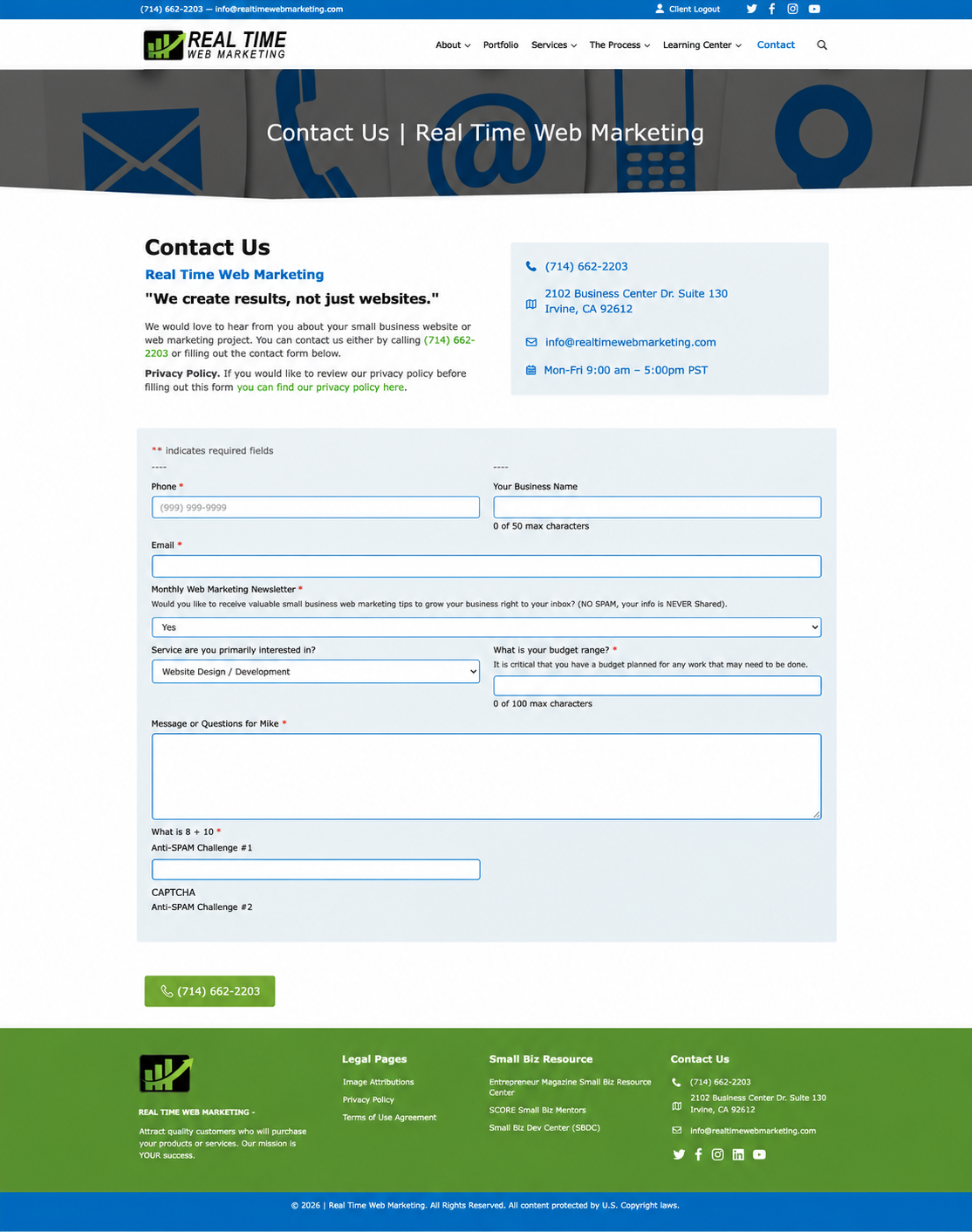
After someone submits your website contact form, what do they see?
A generic message such as "Thank you for your submission" confirms that the form was submitted, but it may not provide much useful information.
Consider making your confirmation message more specific.
For example:
"Thank you for contacting us. We have received your inquiry, and a member of our team will review your message and respond during our regular business hours."
If your business has a reliable response-time commitment, you can include that information as well.
Some businesses also send an automated confirmation email.
This can reassure customers that their request was received, but it should not replace a personal response when one is needed.
Clear communication helps customers understand what to expect after contacting your business.
7. Track Which Inquiries Become Customers
Website analytics can tell you how many visitors reach your website and, with appropriate tracking, how many complete a contact form.
But a completed form does not necessarily mean your business gained a new customer.
That is an important distinction.
For example, your website might generate 30 inquiries in a month, but only some may be qualified prospects. Others might be general questions, vendor solicitations, or requests for services you do not offer.
Tracking what happens after each inquiry can help you better understand the results of your marketing efforts.
Consider reviewing:
- Total website inquiries received
- Number of legitimate, qualified inquiries
- Number of appointments or consultations scheduled
- Number of proposals or estimates requested
- Number of inquiries that became customers
- Common reasons inquiries did not move forward
These details can help you identify opportunities to improve your follow-up process.
They can also provide a more complete picture of your website's contribution to your business.
8. Review Your Inquiry Process Regularly
A process that works today may need adjustments as your business changes.
Perhaps your website begins generating more inquiries. You hire additional employees. You introduce new services. Or the person who previously handled website messages takes on different responsibilities.
Review your process periodically to make sure it still works.
Ask your team:
Are inquiries reaching the right people?
Are customers receiving timely responses?
Are any messages being overlooked?
Do we know which inquiries turn into customers?
Are there recurring questions our website could answer more clearly?
The answers may reveal improvements that have little to do with redesigning your website or increasing your advertising budget.
Sometimes the opportunity is simply to make better use of the inquiries you already receive.
Your Website Generates the Opportunity. Your Business Handles the Next Step.
A contact form is more than a convenient way for someone to send a message.
It can be the beginning of a new customer relationship.
Your website may attract visitors, explain your services, and encourage people to reach out. But the experience does not end when someone clicks Submit.
What happens next matters just as much.
By testing your forms, responding promptly, assigning responsibility, keeping records, and following up appropriately, you can reduce missed inquiries and make better use of the opportunities your website generates.
You may not need more website traffic to see better results.
You may simply need a better process for handling the people who are already contacting you.
We Are Here to Help
Are you confident that your website contact forms are working correctly and inquiries are reaching the right people?
Real Time Web Marketing can help review your website forms, notification settings, and related website functionality to identify potential issues.
Give us a call today to discuss your website and how we can help.